
FIND YOUR PARTS
Loading vehicle data...
Enter your Vehicle Identification Number to find compatible parts.
Coming Soon


How to Achieve the Wireless Carplay
1. First you need to connect the USB dongle to the car head unit USB port.
2. Click 'search' then turn on the phone Wi-Fi and Bluetooth. The Bluetooth signal appears on the car.
3. Last step, phone click 'pair' and choose 'Use Carplay' to achieve wireless connection.
- Wired to Wireless CarPlay Adapter.
- Stable connection without delay, Auto-connect.
- Support Wireless CarPlay with iPhone to use map, music, Siri, split screen and other functions.
- Only for vehicles with factory wired Apple CarPlay. Only for iPhone.
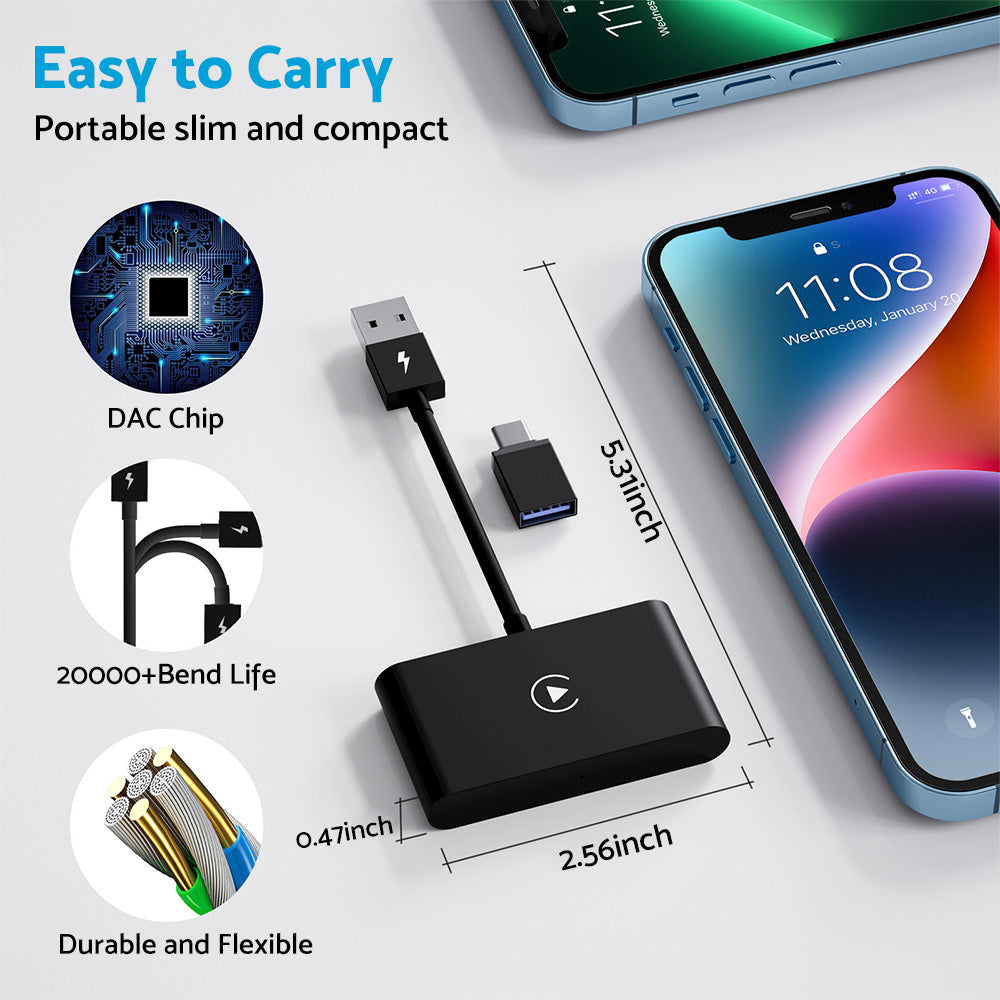
- Easy to Carry. Portable slim and compact.
| SKU | 163UN010-2 |
| Brand | MAXCOOL |
| Shipping Weight | 0.0400kg |
| Condition | New |
| Warranty | 12 Months |
Loading compatibility data...
| Make | Model | Years | Engine |
|---|
1x Wireless CarPlay Adapter
1x USB to Type C OTG Adapter
Due to manual measurement, please allow for an error of 1-2cm.
